
How to subscribe to a paid plan after a trial ends
Accessing the Admin Panel
To subscribe to a paid plan after your trial ends, you need to access the Admin Panel. Follow these steps:
Request a Magic Link by entering your email address associated with your n8n account on the Magic Link page.
Check your email for the Magic Link and use it to access your Admin Panel.
Make sure to check your Spam folder if you have not received one.
Setting Up Your Subscription
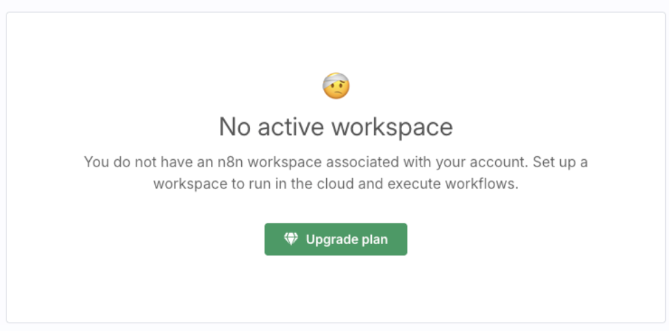
Once you are in the Admin Panel, you may see a message stating that no workspace is active.
This is normal. Follow these steps to set up your subscription:
Click the green button that appears on the screen under the message or on the top right corner of the screen to upgrade.
Follow the on-screen instructions to complete the subscription setup.
Restoring Account Access
If your account access is restricted after the trial, rest assured that your data is securely retained for up to 90 days. Once payment is initiated or completed, access to your n8n account will be restored.