
Why didn’t I receive a Magic Link email?
What is a Magic Link?
A Magic Link is a one-time sign-in link sent to your email. It lets you log in to the n8n Cloud console (Admin Panel in earlier versions) without a password.
How to request a Magic Link?
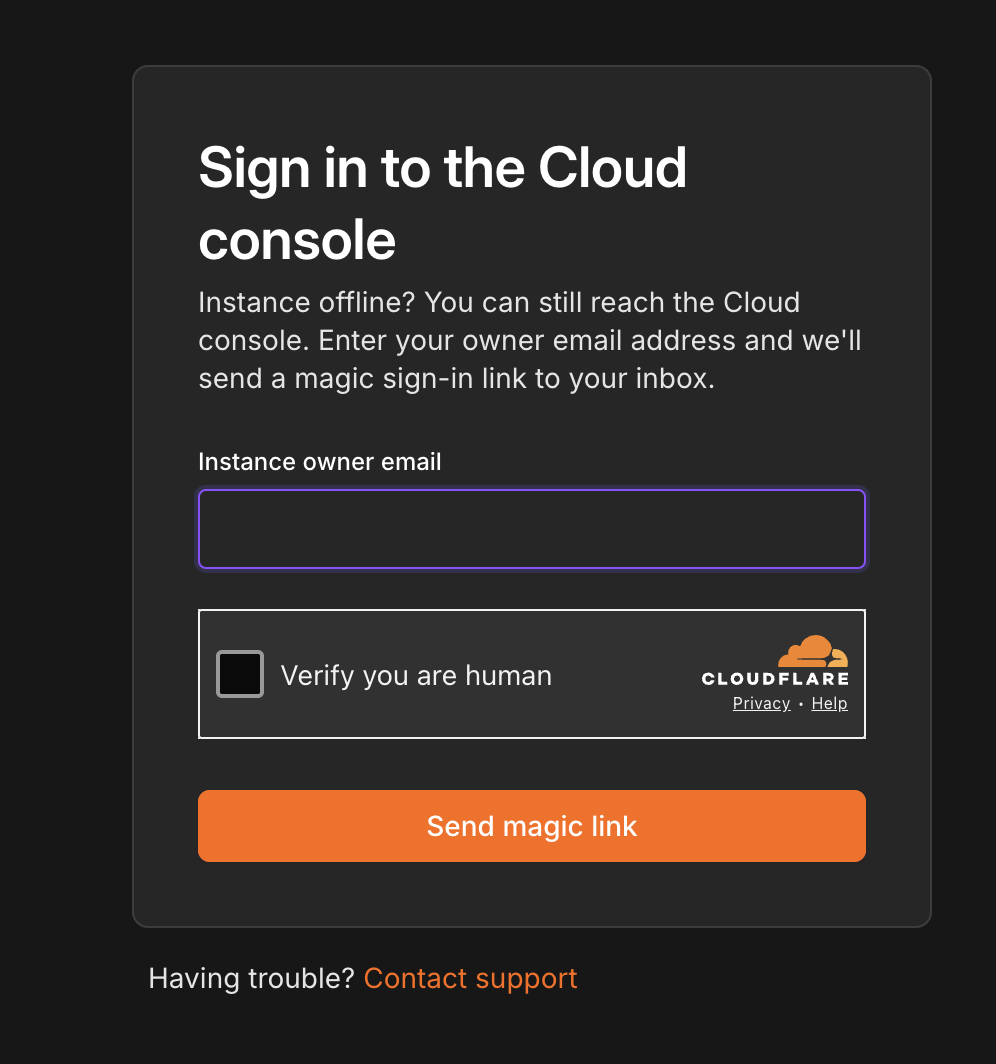
Open the Magic Link page: https://app.n8n.cloud/magic-link
Enter the email address of the instance owner (this is important).
Click Send magic link.
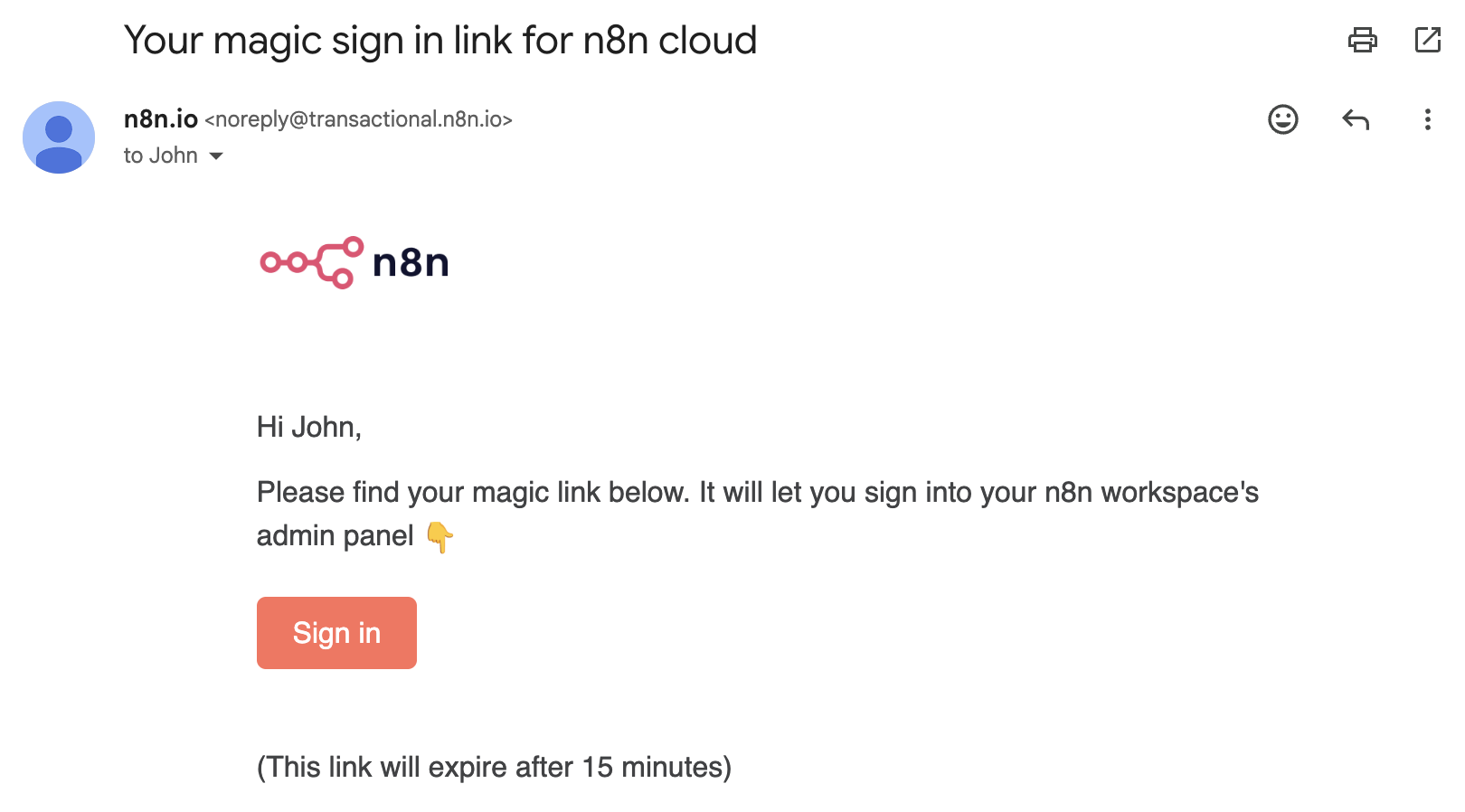
Check your inbox for an email from noreply@transactional.n8n.io and click on the Sign in button.
Where delivery can break
A Magic Link email can “disappear” at three points:
client inbox — filters, spam, quarantine, wrong mailbox
n8n side — the send may not trigger as expected
Email delivery providers — delays, bounces, suppression, provider-side blocks
Let's check them all step by step starting with the simplest ones.
Step 1. Check on your side
Wait up to 15 minutes
Magic Links are usually near-instant, but delays can happen.
Check all folders
Spam/Junk and also Promotions/Updates.
Confirm you’re checking the right email
Make sure you requested the Magic Link for the exact email address you’re currently checking (typos are common).
Search your mailbox
Search for: n8n, magic link, sign in, login.
Make sure your browser isn’t blocking the request
Disable browser extensions.
Remove blocks + add allowlist
Check rules/filters/quarantine.
Remove n8n from any blocked senders.
Add n8n senders/domains to your whitelist.
Request a new Magic Link
Step 2. If it still doesn’t arrive: contact Support
Contact help@n8n.io and provide:
Email used to request the Magic Link
Approx. time you requested it (with timezone)
What happens on the page after you request it (any error or confirmation text)
Checks you already did
If the instance is already deleted
One more thing that’s easy to miss: a Magic Link can’t restore access to an instance that no longer exists.
If your n8n Cloud instance was deleted because it went past our retention window (trial ended long ago, subscription ended and the instance was removed, etc.), then even a perfectly working Magic Link won’t bring that instance back — there is simply nothing to log into or recover.
Article Last Updated At: 2026-10-20T09:31:47.383Z