How can I change my billing address?
In order to access your billing information, you will first need to navigate to the Admin Dashboard.
If you are having any issues accessing the Admin Dashboard, check this article: How to access the n8n Admin Dashboard.
You can change your billing address on the Billing page
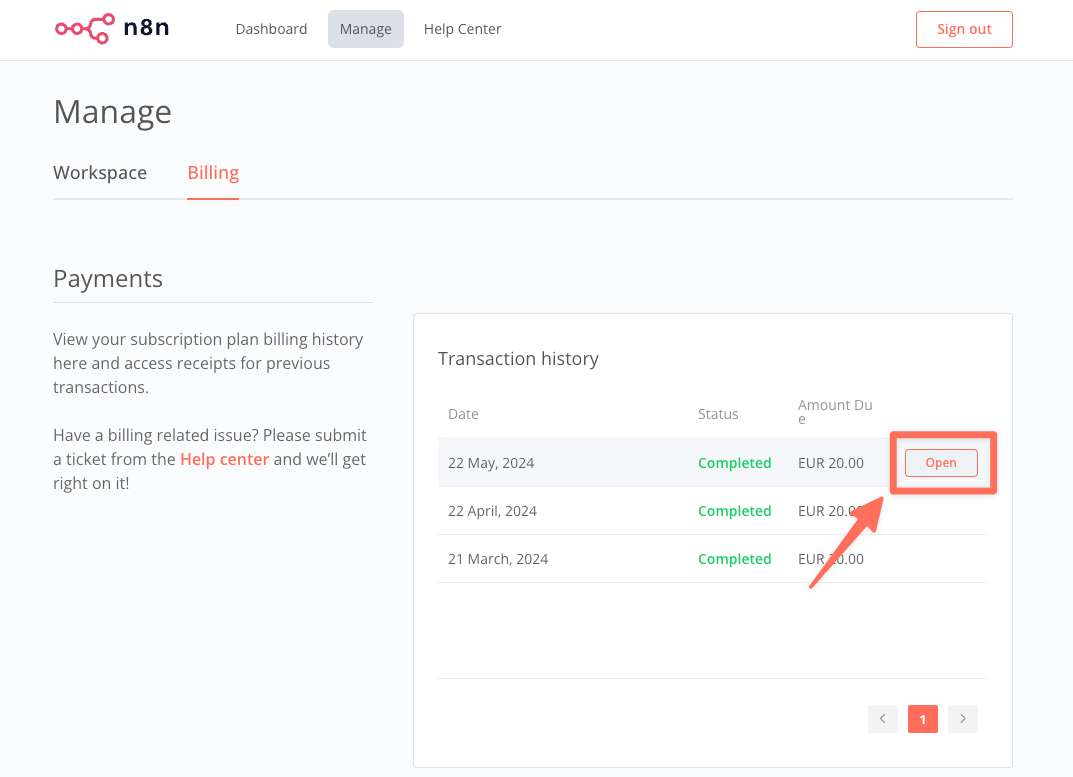
Under Payments > Transaction history, choose any previous transaction and click on Open:
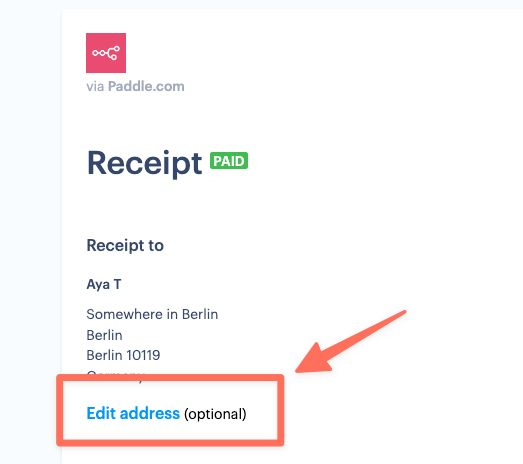
You can then Click on 'Edit address' where you can enter your own address which will be applied to all future invoices: