
How to Apply a Coupon Code
To apply a coupon code, you will go through our Upgrade plan process
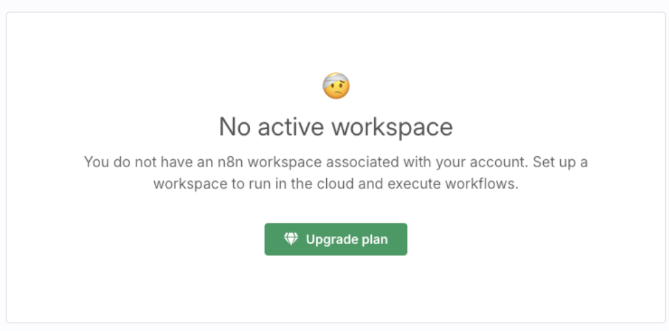
First, navigate to the Admin Dashboard and click the Upgrade plan button
If you are having any issues accessing the Admin Dashboard, check this article: How to access the n8n Admin Dashboard.
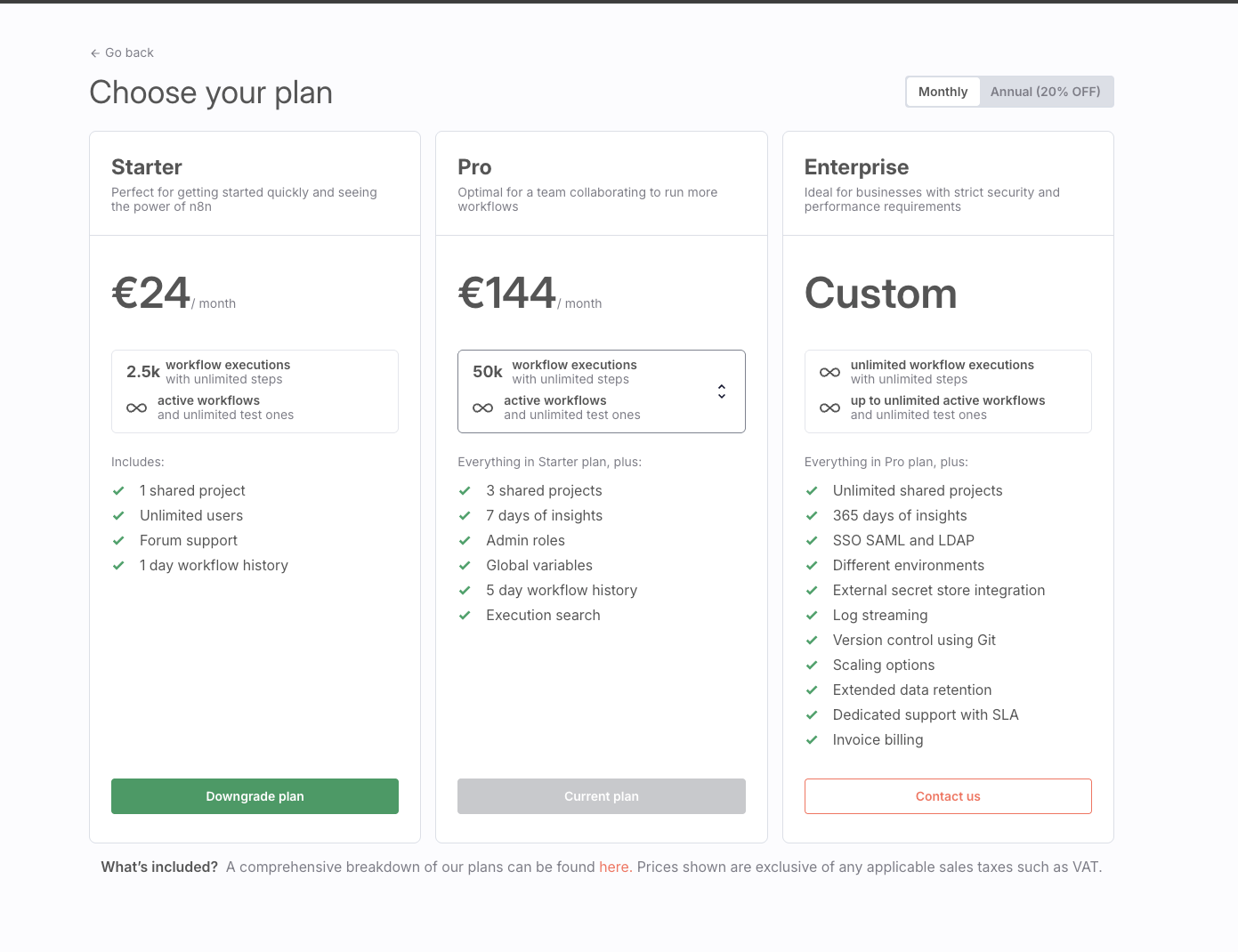
Next, choose your desired plan and then proceed to checkout.
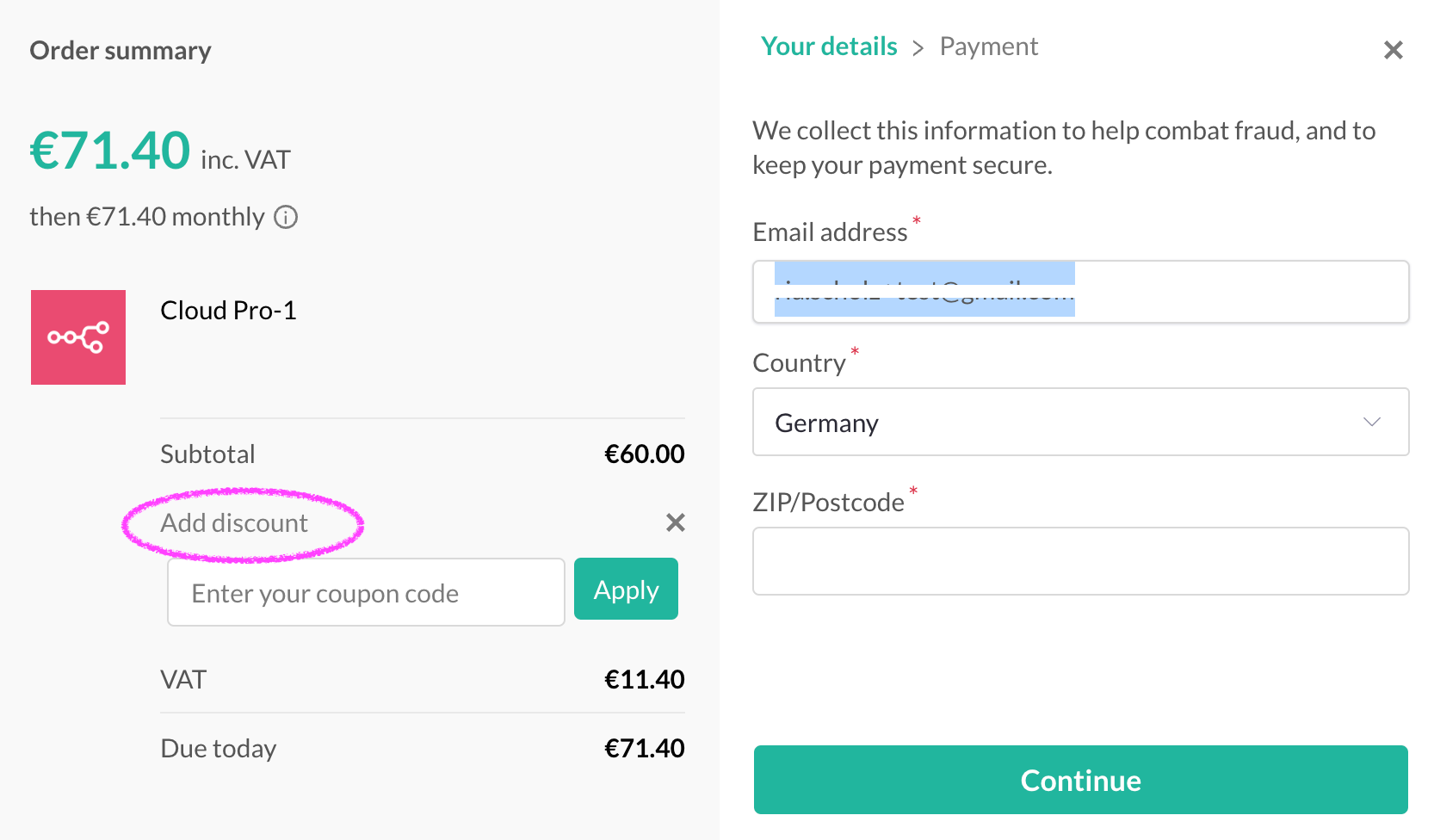
Finally, during checkout, enter your Coupon Code in the field under Add discount:
Important:
Coupon codes can only be applied to new subscriptions. If you have already subscribed and received a coupon code afterwards, you will have to cancel your subscription first and then resubscribe. This could incur extra charges, so please be aware of this and try to time the subscription change to your current billing cycle dates.