I accidentally deleted my n8n workflow
Introduction
If you have accidentally deleted a workflow and are running version 1.93.0 or higher, you can access your archive to recover it.
Steps to Access Archive
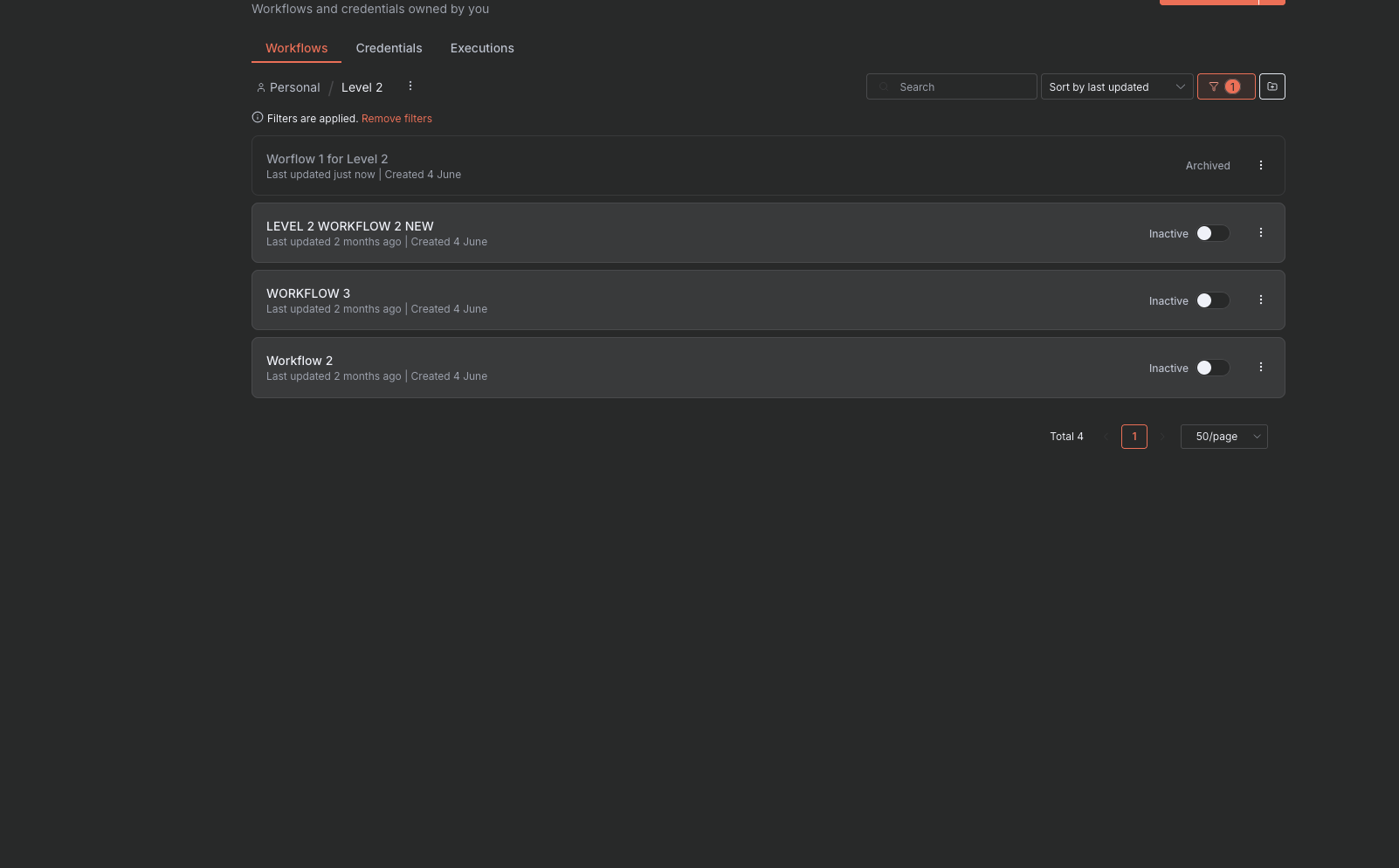
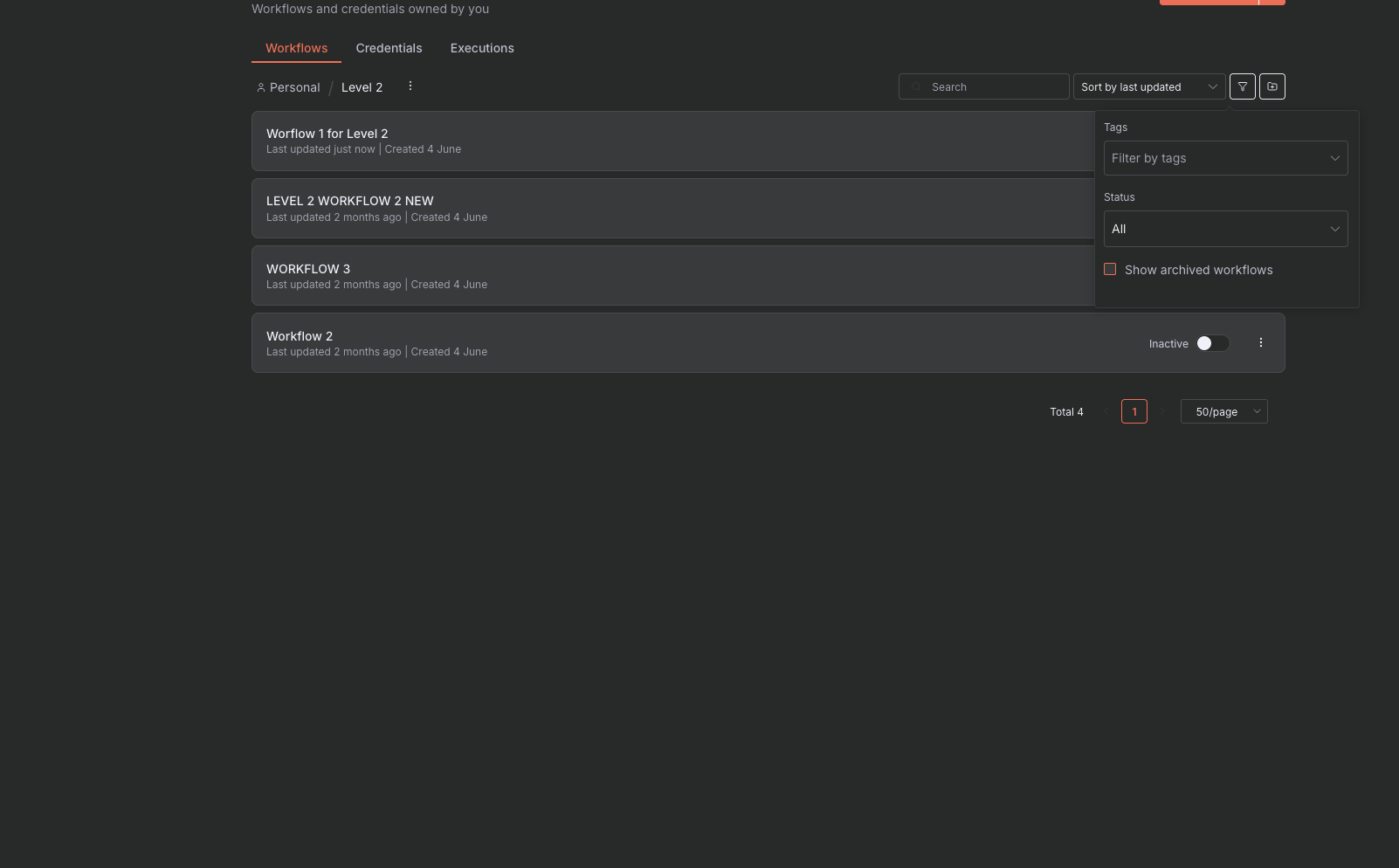
Please go to your n8n workspace and select the filter icon on the right-hand side. You should see a checkbox that says "Show archived workflows".
Once you have ticked that, you will see any and all archived workflows that exist. To un-archive, click the 3 dots and select Unarchive. This will restore the workflow.