How to delete a workflow
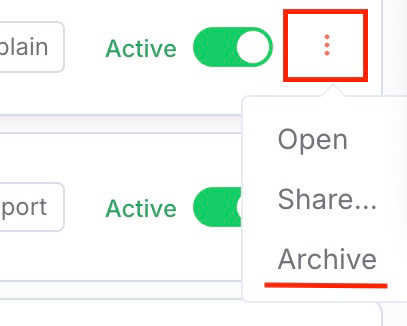
The first step is to archive the workflow. In your workflows overview page, select the three dots on the right end of the workflow you wish to delete. Click "Archive":
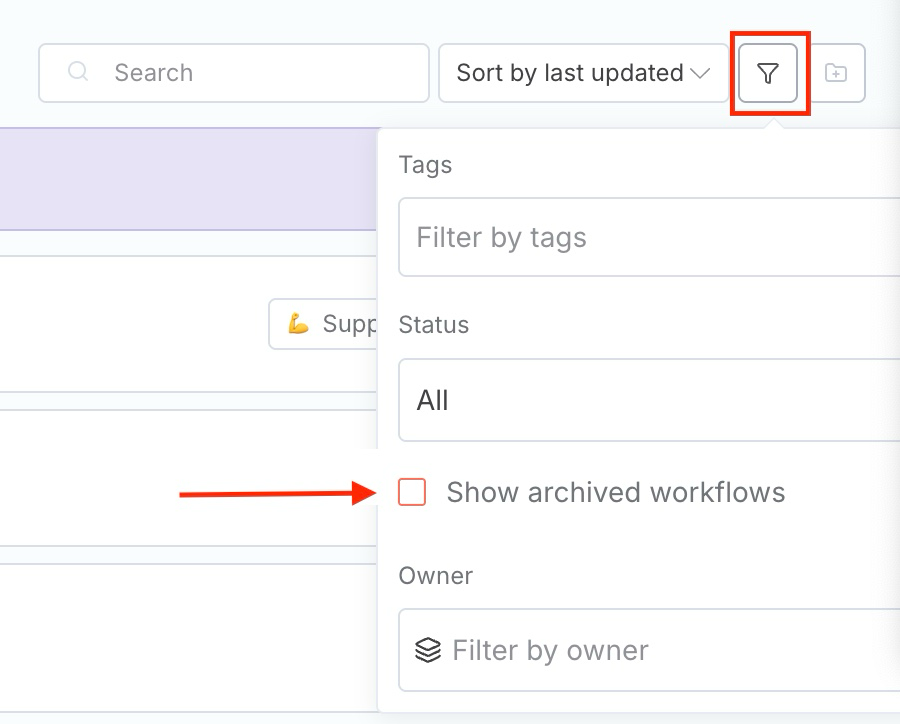
2. Next, select the "Filter" icon at the top, and then click on "Show archived workflows":
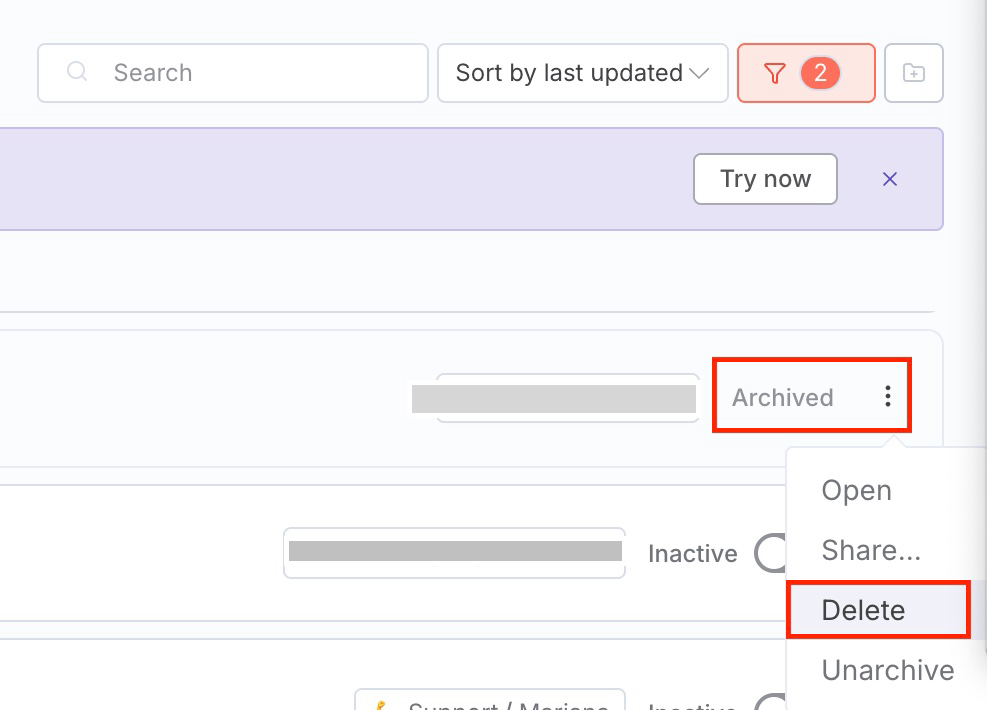
3. Finally, for the archived workflow you wish to delete, click again on the three dots and then select the "Delete" option: