How to export workflows from the n8n cloud Admin Panel
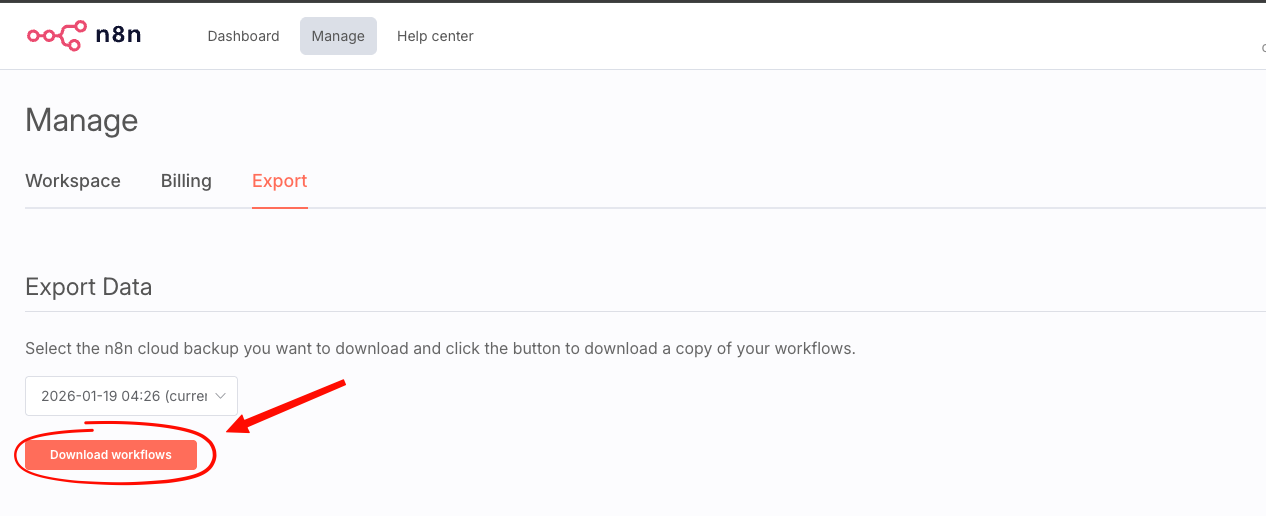
Navigate to Admin Dashboard > Manage > Export
For help accessing the Admin Panel, see: How to access the n8n Admin Dashboard.
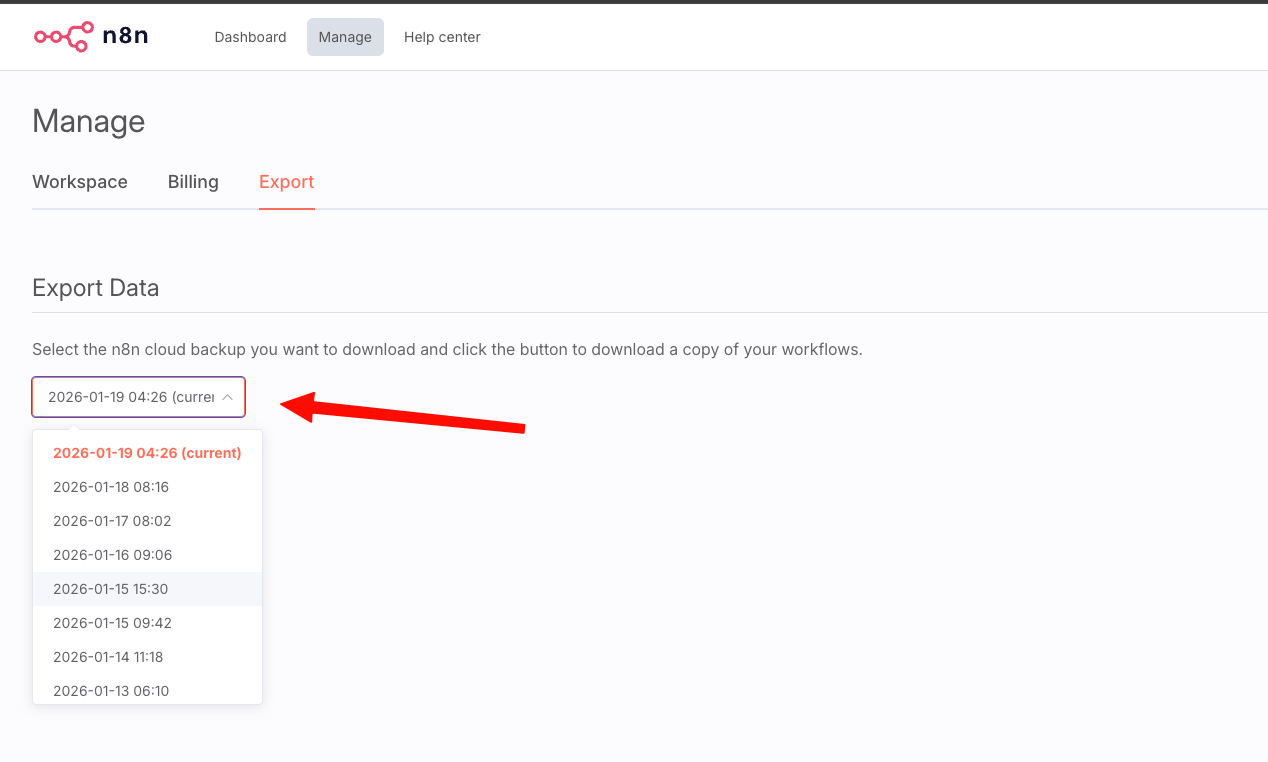
Once there, select the Date of the desired backup that you wish to download from the drop-down
And then click on Download Workflows: