How To Update To The Latest Stable Version In N8n Cloud
If you are having any issues accessing the Admin Dashboard, check this article: How to access the n8n Admin Dashboard.
1. Navigate to your Workflows dashboard
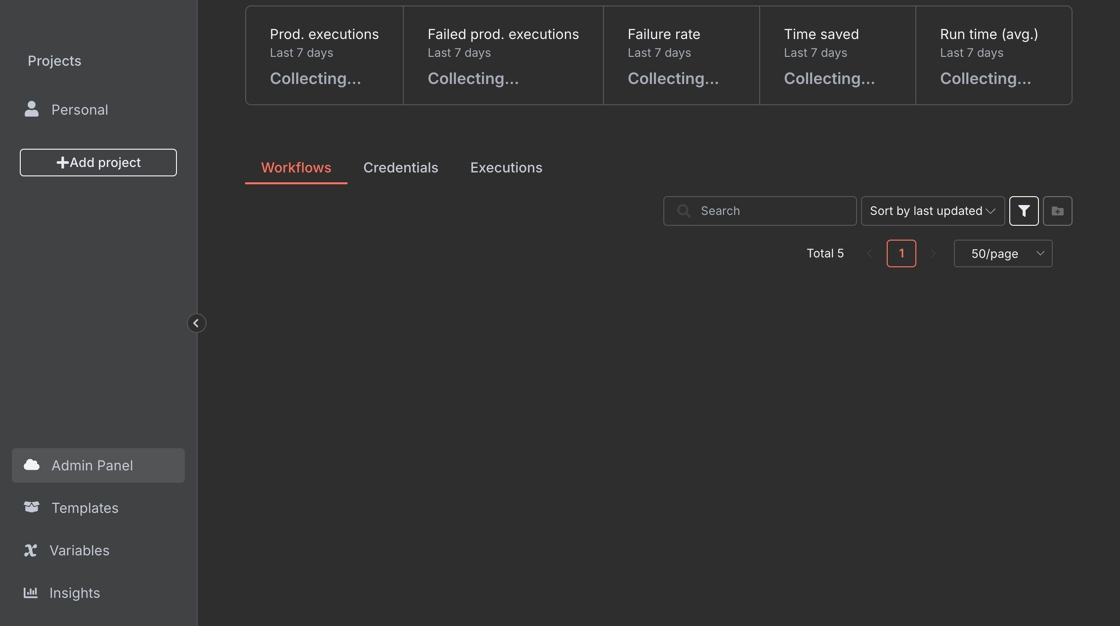
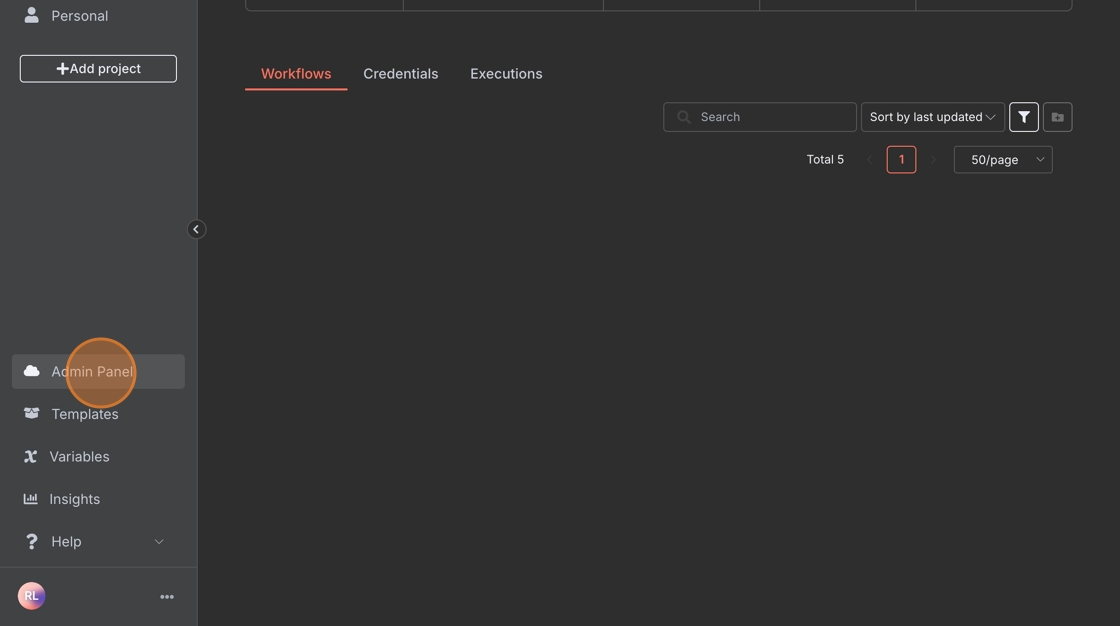
2. Click "Admin Panel"
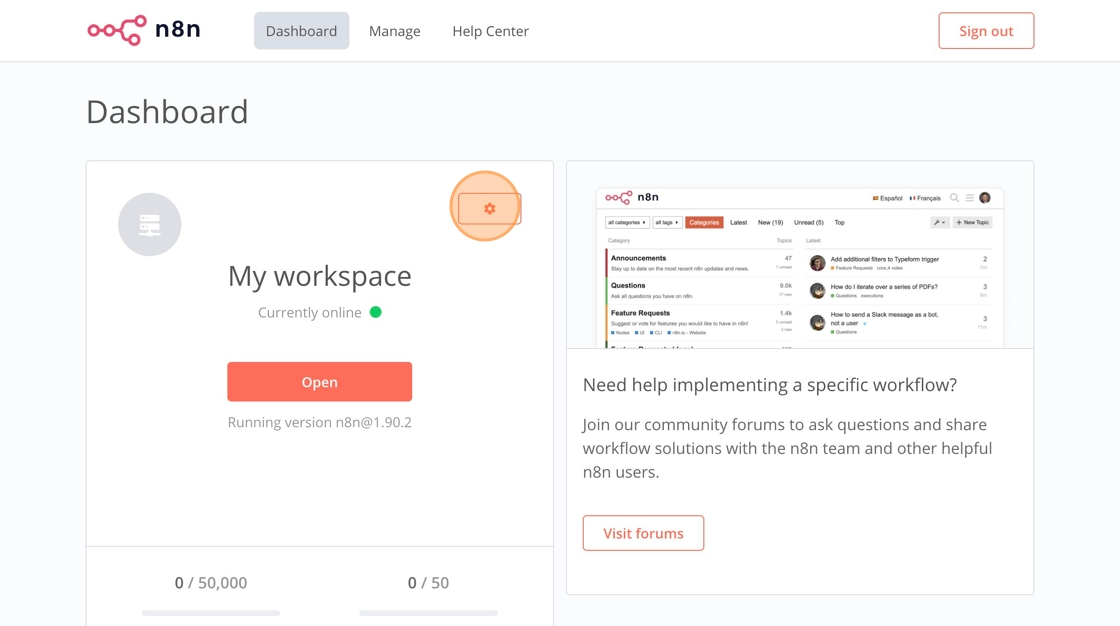
3. Click Settings
4. Click the "n8n Version" field.
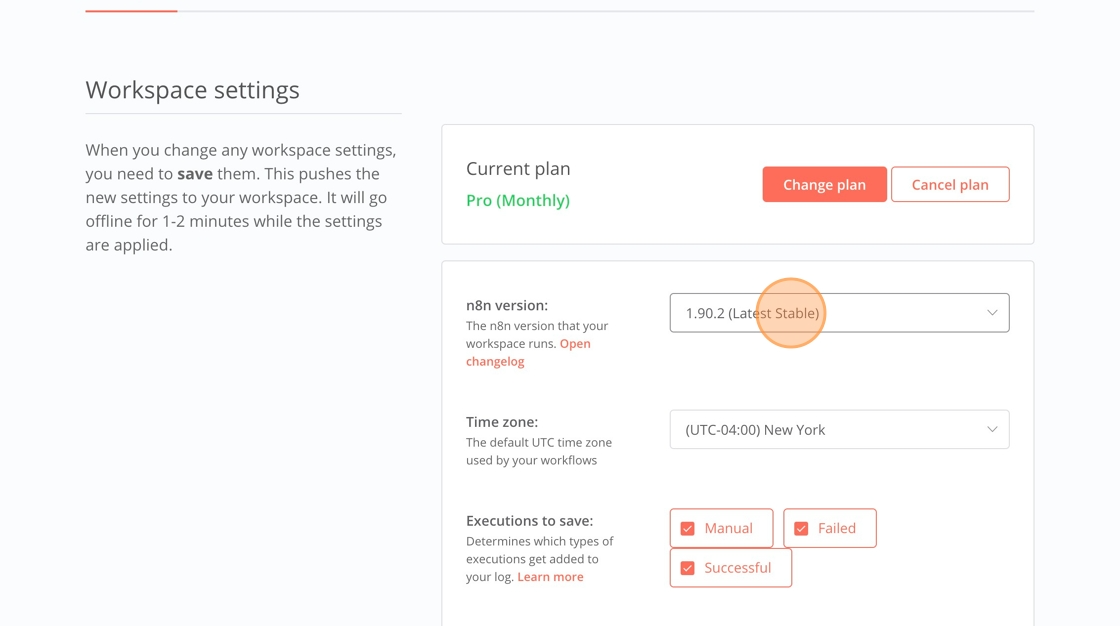
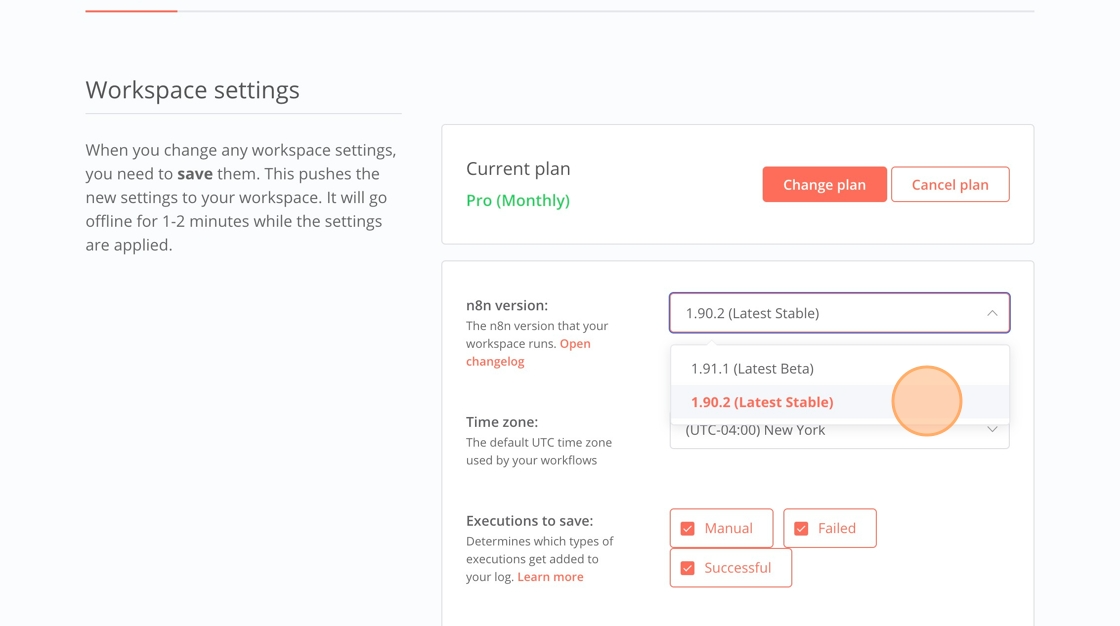
5. Click the option that shows "(Latest Stable)". At the time of making this guide, it was 1.90.2; we are now past that version.
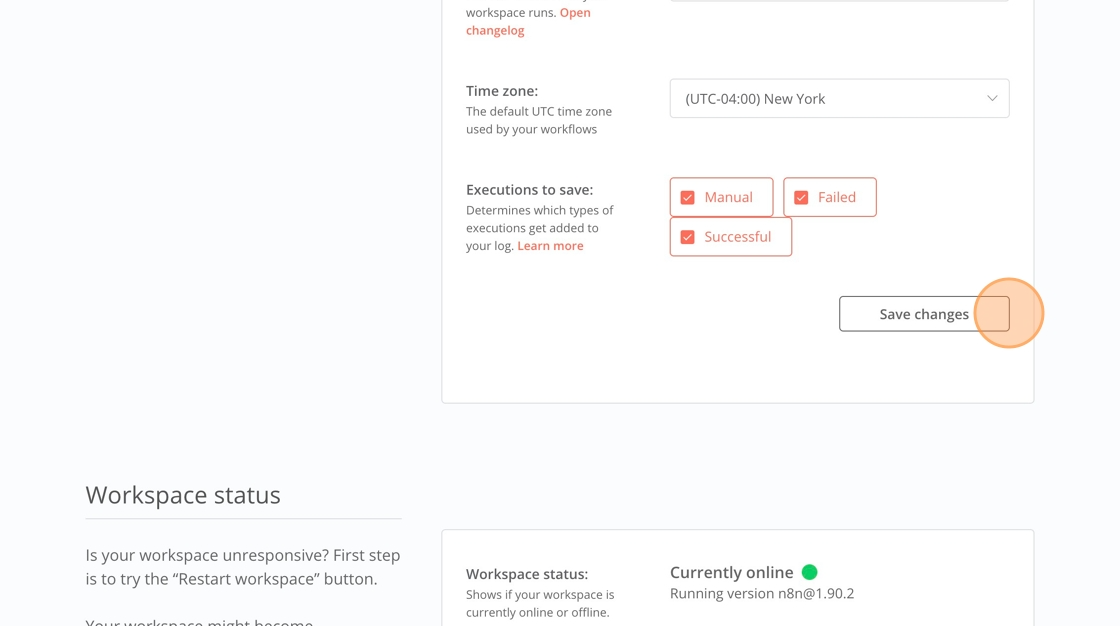
6. Click "Save changes"